
Void Muscle Controls
PC, mobile, and gamepad: train, interact, open menus, and share a 22-player gym without griefing the starter floor.
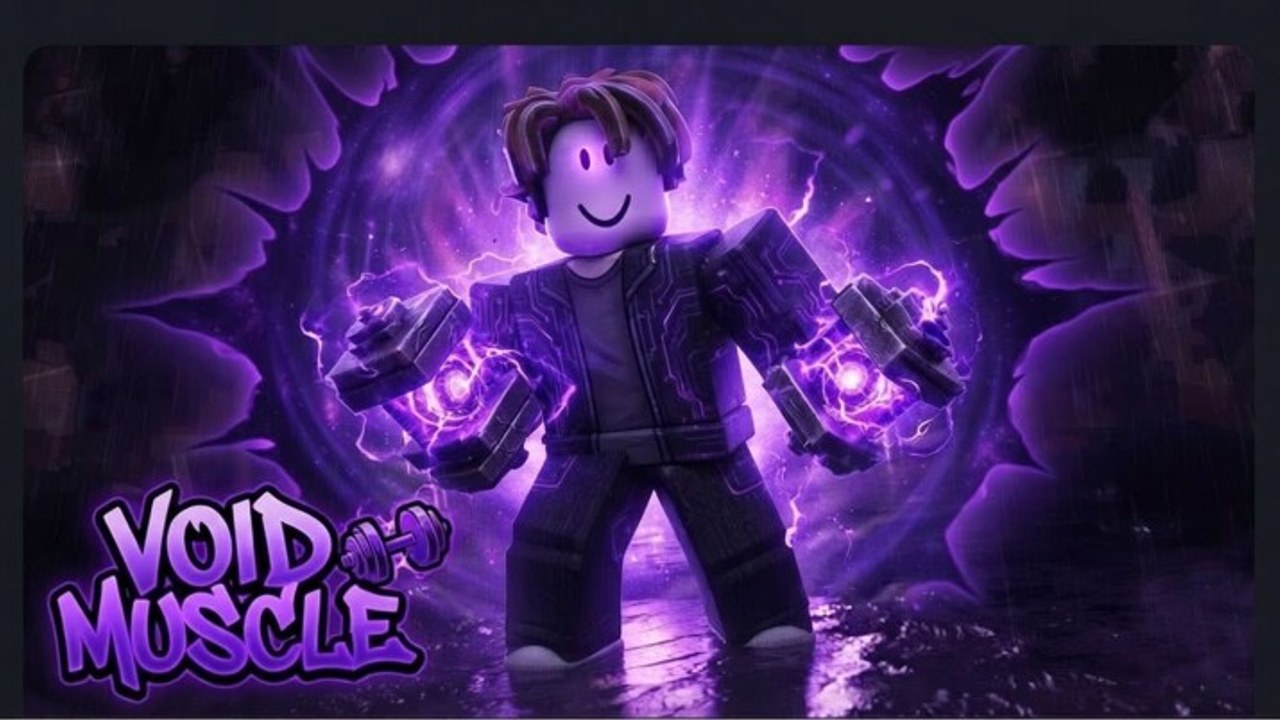
Void Muscle is an R15 Roblox simulation with a 22-player cap. That means your binds have to work in a crowded gym, not in an empty screenshot. This page is the control and etiquette layer that Getting Started assumes you already have. It is not a leaked keybind dump from a Trello that does not exist. It is how Roblox gyms of this type actually play on PC, phone, and console after DATA FIXED.
Movement and camera
On PC, WASD moves, Space jumps, Shift may sprint if the place enabled it, and right mouse drags the camera. On mobile, the dynamic thumbstick plus jump button do the same job; pinch or the camera joystick orbits. On console, left stick moves, right stick looks. If the camera fights you in a tight weight room, drop sensitivity in the Roblox menu rather than standing on a bench to “get a better angle.”
R15 avatars have longer limbs than R6. You will clip machines. Step off a station before you emote or you will look like you are griefing even when you are not.
Train and interact
Typical muscle-sim interact, which you should expect here:
- Click / tap a bag, rock, or dummy to punch it when you are in range.
- Proximity prompt (E on PC, tap on mobile, X / Square on many gamepads) to sit on a treadmill, bench, or unique machine.
- Hold rather than mash if the HUD shows a progress bar. Mashing can skip ticks on some remotes.
- Stop by moving away or pressing the prompt again. Do not reset character to stand up unless the station is stuck after DATA FIXED.
If nothing happens, you are either out of range, under the stat requirement, or another player occupies the seat. Look at the requirement billboard before you assume your stats are bugged.
Punching another player is usually a separate click on their character when PvP is allowed. The experience is rated Mild, 16+, Violence (Repeated/Mild). That is size fights, not a shooter. If you cannot hit someone, they may be in a safe zone, on a different team flag, or simply too far above you for the hitbox. Read Players before you farm spawnlings.
Menus: stats, shop, pets, codes
The HUD is the real control scheme. Find these buttons on spawn:
- Stats or character — three training numbers, rebirth button, maybe a multiplier readout.
- Shop — gamepasses, products, sometimes the codes tab.
- Pets — hatch, equip, delete. Slot count matters; see Pets.
- Codes / gift — the redeem field from how to redeem.
- Settings — music, other players’ vis, maybe a safe-trade toggle if the revival added one.
On mobile, HUD buttons hide under your thumbs. Rotate to landscape to tap Codes or Rebirth. Never confirm a rebirth with a fat-finger while you meant to close the shop. If a popup covers the jump button, close it; a 22-player floor will walk over you.
Keyboard users can often press keys to open Roblox core GUI (Esc, / for chat, Tab for leaderboard if enabled). The in-game gym menus are custom; they want clicks. Chat is not a command console. Do not paste loadstrings into chat thinking that is how executors work.
22-player server etiquette
The cap is small. One AFK body on the only starter bench is a real problem. Rules that keep you unhated:
- Train on a station you can actually use. If you fail the req, leave it for someone who can.
- Do not line up six alts on the rare machine. That is how people vote servers dead (the place sits around 1k concurrent; hop if it is miserable).
- PvP the people who opted in by size and location, not the player reading the codes board.
- If you use auto-train, face the wall so your avatar is not blocking the path.
- After DATA FIXED, if a station is stuck, hop servers instead of resetting on top of someone else.
Leaderboard flexing is part of the genre. Standing in the doorway to show size is not. The leaderboard page covers climbing without being that person.
Stuck, frozen, or no prompt
- Walk off the pad and back on.
- Toggle the menu closed so a DATA FIXED UI overlay is not eating clicks.
- Rejoin. Save repair patches often leave a ghost seat.
- Try a different machine tier from training tiers.
- Only then reset character.
Console cursor mode (some gamepads need a free mouse cursor for GUI) is the usual reason shop buttons “do nothing.” Enable it in Roblox settings, click once, then return to character control to train.
Learn the prompts before you buy auto-train. A pass cannot save a player who cannot open the pet menu or who rebirths by accident. Once the HUD is muscle memory, go back to the guides hub and spend attention on stats, not on hunting the E key.
Frequently Asked Questions
Quick answers players actually search for in Void Muscle.
What key do I press to train in Void Muscle?
Click or tap the station if it is a bag; use the proximity prompt (E on PC) if it is a seat. Getting Started assumes that loop.
Why can I not sit on a machine?
Requirement, occupancy, or a DATA FIXED ghost seat. Check training tiers and hop servers if the prompt never appears.
How do I open codes on mobile?
Rotate to landscape and tap the gift or shop tab. Full steps live on how to redeem.
Is punching other players allowed?
Size PvP is the genre. Keep it off the starter bench and read Players for fair-fight norms on a 22-player cap.
Can I paste a script in chat to autofarm?
No. Chat is chat. Executors are a separate, risky tool. See executor setup if you still want that path.